One of the most common questions users ask when choosing a DAW controller is simple:
“How well does it work with my DAW?”
The answer is rarely a simple yes or no.
Modern DAWs vary considerably in how they communicate with external hardware. Some provide extensive native controller frameworks. Others rely primarily on industry-standard protocols such as Mackie Control Universal (MCU) or HUI. Many support additional functionality through custom scripts, APIs, or community-developed integrations.
As a result, the controller experience can differ significantly from one DAW to another, even when using the same hardware.
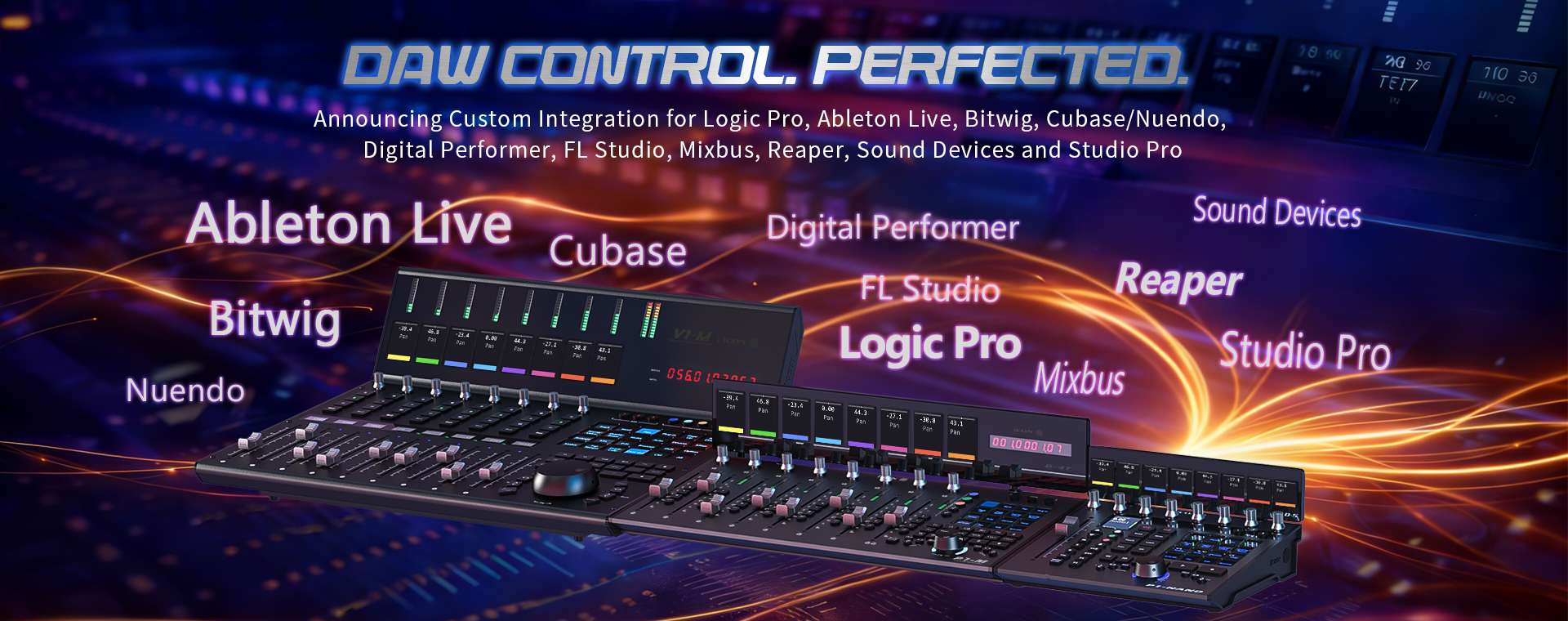
This article provides an overview of the integration options currently available for iCON Pro Audio DAW controllers across a variety of software platforms and explains the different approaches used to create those workflows.
Most DAW controllers communicate using one or more standard control protocols.
The most common include:
These protocols provide the foundation for many controller workflows, including:
Because these standards are widely adopted, they allow many controllers and DAWs to work together with relatively little configuration.
However, modern production environments often require more specialized functionality than these protocols were originally designed to provide.
Examples include:
For these functions, developers frequently rely on dedicated scripts or native integrations.
There is no single method for creating controller integration.
Depending on the DAW, support may come from the DAW developer, the controller manufacturer, independent developers, or the user community.
In practice, most integrations fall into three categories.
Official integrations are developed and maintained by iCON Pro Audio as officially supported solutions for specific DAW environments. These integrations are designed to provide workflows that extend beyond standard control protocols and take advantage of the capabilities and architecture of individual software platforms.
Current examples include:
Custom scripts are created by independent developers or members of the DAW community to extend functionality beyond standard control protocols.
Because they are often developed by specialists with deep knowledge of a particular DAW, they can provide workflows tailored to specific production environments.
Examples include:
Some DAWs include controller support directly within the application itself through cooperation with the DAW manufacturers themselves.
This allows support to evolve alongside the DAW itself and can simplify setup and configuration for users.
Examples include:
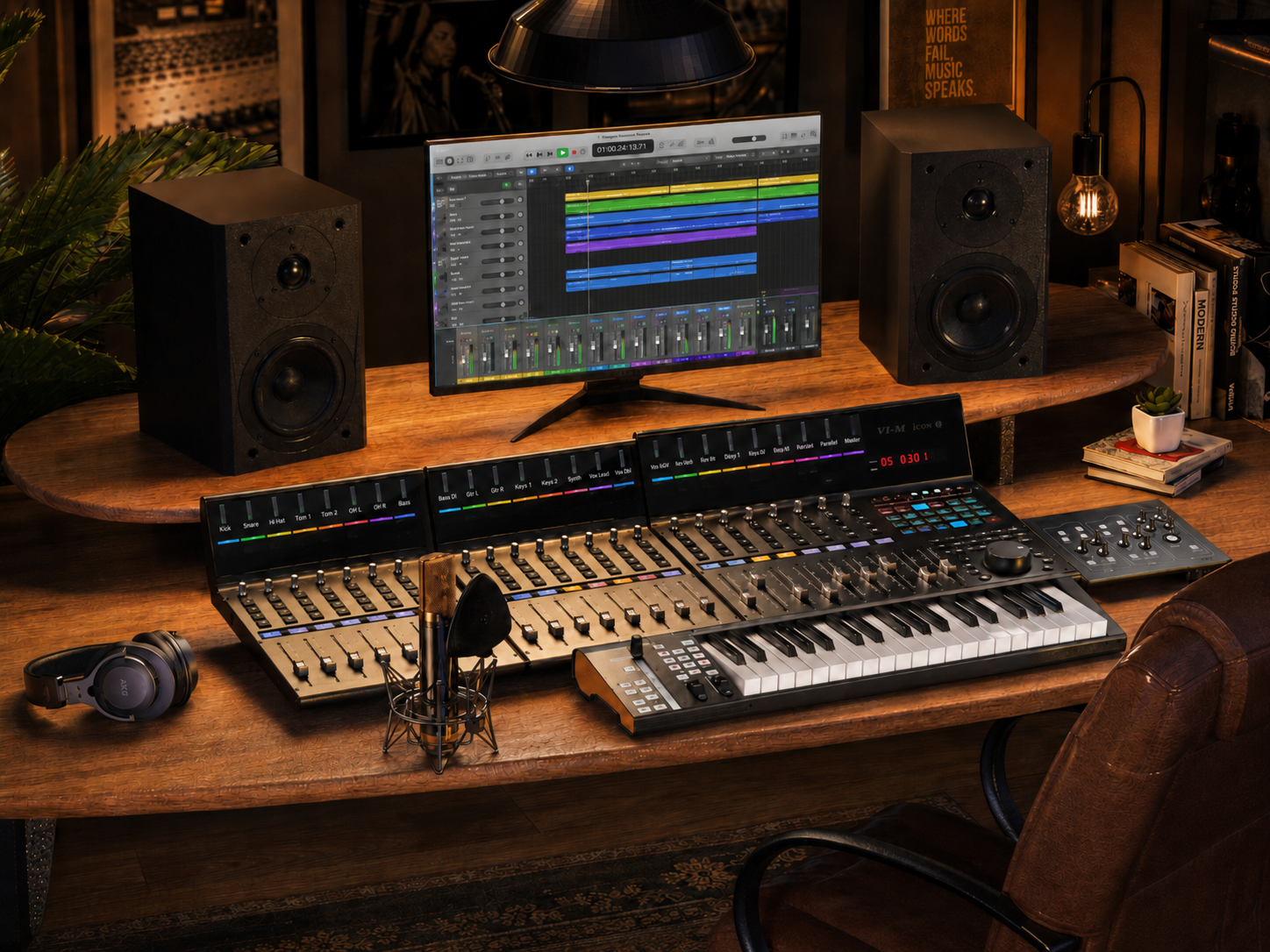
Logic Pro users can now access an official iCON integration designed specifically for Apple’s production environment.
The integration provides an alternative to generic MCU operation and allows supported controllers to interact more directly with Logic-specific workflows.
Additional information is available on our Logic Pro script HERE.
Ableton Live’s Session View, clip-based workflow, and performance-oriented design create unique requirements for controller development.
The official Ableton integration was developed to better reflect the way Live users navigate sessions, devices, and arrangements.
Additional information is available in our Ableton Live article.
Studio Pro, formerly Studio One, supports additional functionality through a custom integration developed by Paul Henty.
The project was designed around Studio Pro workflows and provides functionality beyond standard control protocols alone.
Additional information can be found on the Studio Pro integration HERE.
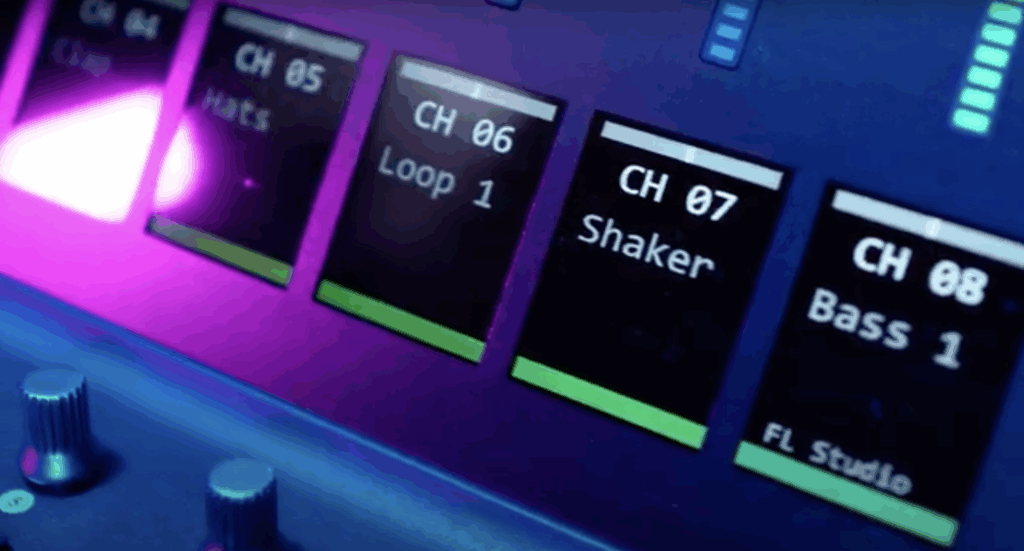
FL Studio users have access to a custom integration developed by Stephen Baker.
The project expands interaction between supported iCON controllers and FL Studio’s production environment while supporting workflows commonly used by FL Studio producers.
Cubase and Nuendo are widely used in music production, composition, post-production, and broadcast environments.
The integration developed by bjoluc expands communication between supported iCON controllers and Steinberg software while supporting workflows used by many Cubase and Nuendo users.
Additional information can be found on Cubase and Nuendo HERE.
REAPER has long been known for customization and user-driven workflows.
DrivenByMoss provides expanded integration options for supported iCON controllers within the REAPER environment.
Bitwig Studio includes native support for supported iCON controllers through Bitwig’s controller architecture.
This allows support to be maintained directly within the DAW environment itself. Plus selected iCON DAW controllers come bundled with Bitwig Studio 6 Essentials.
Learn more about Bitwig Studio’s iCON Pro Audio Integration.
Recent versions of Harrison Mixbus have improved support for external control surfaces, including iCON controllers.
Because Mixbus was designed around a console-inspired mixing philosophy, many users prefer pairing the software with a physical control surface rather than relying exclusively on mouse interaction.
MOTU Digital Performer has long maintained a strong presence in composition, scoring, orchestral production, live performance, and complex studio environments.
Its user base often includes film composers, television composers, arrangers, and producers who work with large track counts, virtual instrument templates, and sophisticated routing configurations.
For many of these users, physical control surfaces remain an important part of navigating large sessions efficiently and maintaining a hands-on workflow during writing, recording, and mixing.
Learn more about Digital Performer’s native integration with iCON controllers.
Sound Devices products serve a very different segment of the audio industry, including location sound, field recording, broadcast, film production, and production audio.
These workflows place a premium on speed, reliability, and tactile control in environments where engineers and mixers may not have the luxury of working with a traditional studio setup.
The continued use of physical controls in these environments highlights an important reality: while production workflows continue to evolve, many audio professionals still prefer dedicated hardware interfaces for critical recording and mixing tasks.
Read about How iCON’s P1-M integrates with Sound Devices 8 Series recorders.
The role of the DAW controller has changed significantly over the past decade.
Early controllers often focused primarily on replacing a mouse during mixing sessions. Modern production environments place additional demands on hardware, including plug-in control, session navigation, automation management, instrument workflows, and content creation tasks that extend beyond traditional recording studios.
As DAWs continue to evolve, integration increasingly becomes an ongoing process rather than a one-time feature release.
For that reason, the most useful discussions about controller support are often not simply whether a controller is compatible with a DAW, but how that compatibility is implemented and what workflows it supports.
Over time, the ecosystem surrounding iCON controller integration has expanded through a combination of official iCON-developed integrations, native DAW support, and contributions from independent developers and members of the audio community.
This article serves as a reference point for users looking to understand the options available for their preferred production environment.
Subscribe to our mailing list to stay up to date with the latest product news, updates, and information.