
For years, musicians, producers, and engineers using Ableton Live have relied on generic MIDI mappings and partial integrations to connect their control surfaces to their workflows. While MIDI learn is powerful, it often leaves users spending valuable studio time building templates, assigning controls, and troubleshooting behavior that should simply work.
That changes today.
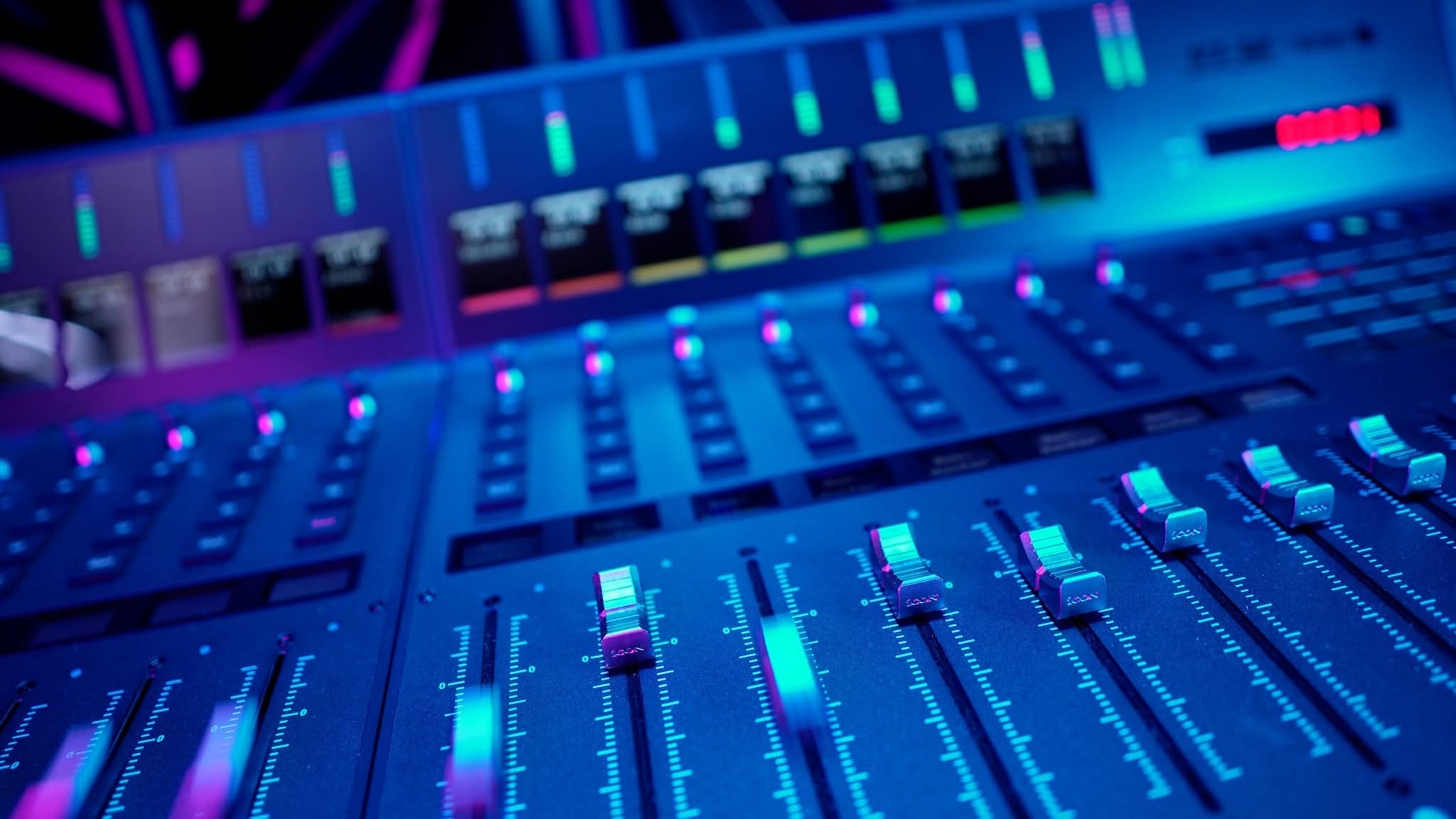
iCON Pro Audio is proud to introduce the Official Ableton Live Script for the V Series and P Series DAW controllers, delivering deeper integration, easier setup, and a workflow designed specifically for the way Ableton users create music.
Whether you’re producing electronic music, recording bands, mixing sessions, performing live, or building hybrid studio setups, the new script brings hardware and software together in a way that feels natural and immediate.
Ableton Live is unique among DAWs.
Its Session View encourages experimentation. Its Arrangement View supports traditional recording and production workflows. Many users move fluidly between composing, performing, mixing, and sound design in the same session.
Your control surface should be able to keep up.
The Official iCON Ableton Script provides native control surface integration for:
Users can build systems ranging from a compact 8-channel desktop setup all the way to a 32-channel control surface environment with multiple extenders.
One of the biggest advantages of the iCON ecosystem is scalability.
Need eight channels today and twenty-four tomorrow?
No problem.
The Ableton script supports:
Users simply assign each unit a startup position and corresponding port assignment, and Ableton recognizes the complete controller layout.
This allows producers to build a system that grows alongside their studio.
One of the goals of the project was simplicity.
The installation process does not require executable installers, system services, or complicated setup utilities.
Users simply copy the appropriate script folders into Ableton’s Remote Scripts directory and launch Ableton Live. The software automatically detects the scripts during startup.
The package includes separate script folders for:
This modular approach allows users to install only the components required for their particular hardware configuration.
The script works alongside iCON’s iMap software to provide an optimized experience for each device family.
Users can:
Dedicated mapping files are provided for:
This means your controller can move seamlessly between Ableton, Logic Pro, Cubase, and other supported DAWs without requiring a complete reconfiguration each time.
As with all official iCON integrations, the Ableton script was designed around reliability and predictable behavior.
For best performance, we recommend:
These simple practices help ensure a stable connection and consistent operation in both studio and live environments.
The release of the Official Ableton Live Script continues iCON Pro Audio’s commitment to deeper software integration across the DAW ecosystem.
Modern creators expect more than MIDI compatibility.
They expect their hardware to understand their workflow.
The goal is simple:
Spend less time configuring your studio and more time creating.
From the touchscreen workflow of the V1-M to the modular flexibility of the P Series and the compact portability of the P1-Nano, iCON controllers are designed to provide a tactile connection to your music that a mouse and keyboard simply cannot replicate.
The Official iCON Pro Audio Ableton Live Script is available now for supported V Series and P Series controllers.
Supported products include:
Subscribe to our mailing list to stay up to date with the latest product news, updates, and information.