
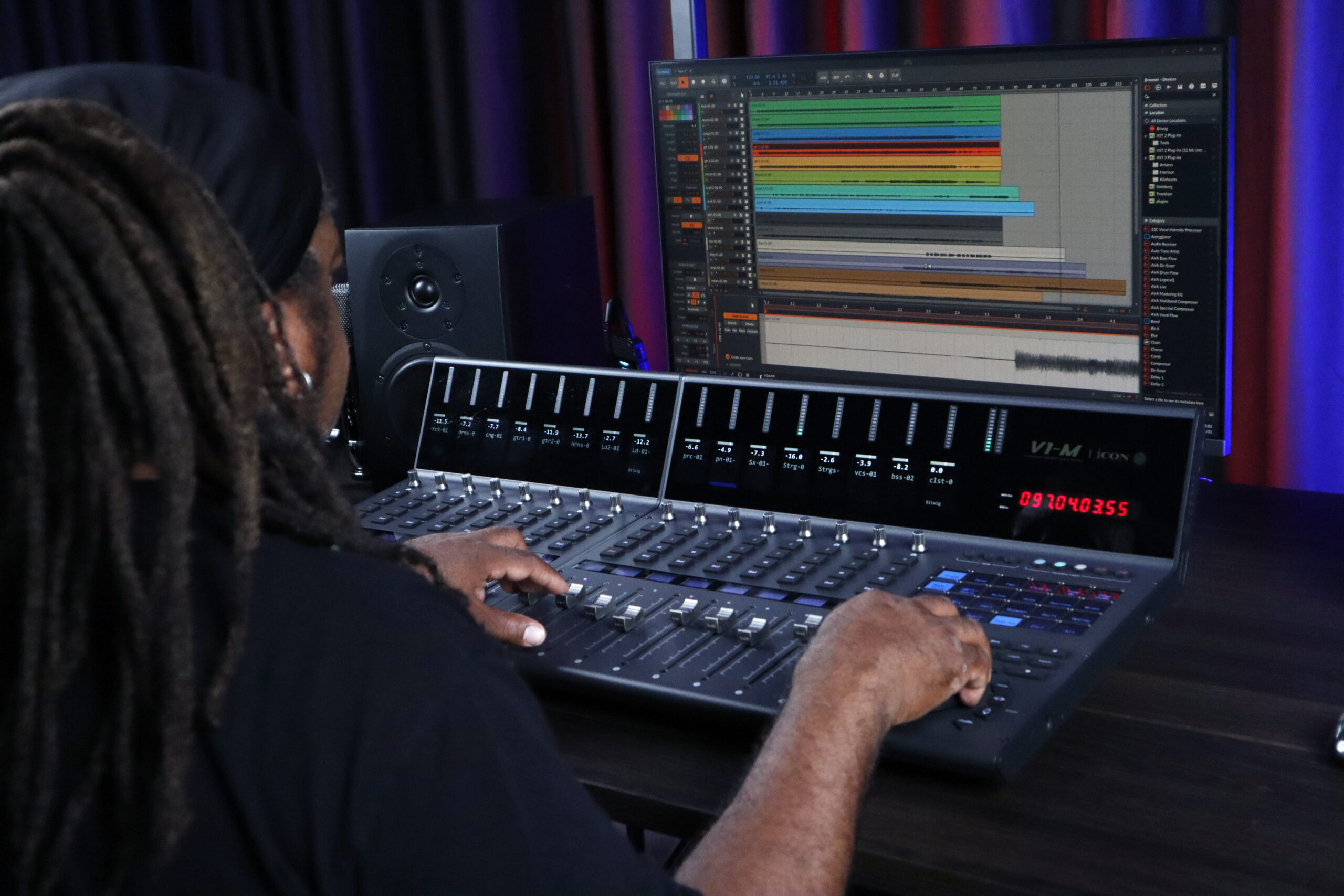
Every creative workflow has its rhythm.
Whether you’re editing a podcast, fine-tuning automation, navigating a complex mix session, or searching for the perfect frame in a video project, precision matters. When inspiration is flowing, the last thing you want is an accidental movement interrupting your process.
That’s why iCON Pro Audio has introduced a new Jog Wheel Lock and Resolution Update for the V1-M Series DAW Controllers—giving creators greater control over how the jog wheel responds and behaves during daily use.
Built directly from user feedback, this update adds two practical enhancements designed to help you work exactly the way you prefer.
Every creator works differently.
Some prefer fast navigation across large sessions. Others prefer slower, more detailed control for precise editing tasks. The new Jog Wheel Resolution Adjustment allows you to tailor the jog wheel response to match your personal workflow.
With three sensitivity levels available, you can optimize jog wheel response for everything from detailed editing to fast project navigation.
Jog Wheel Lock Function
The jog wheel is one of the most frequently used controls on any DAW controller. It helps creators move through projects quickly and make precise adjustments when needed.
With the new Jog Wheel Lock function, you can now temporarily disable the jog wheel to prevent unintended movement during your session.
Whether you’re fine-tuning automation, editing a complex mix, or stepping away from your workstation, Jog Wheel Lock helps keep your project exactly where you left it. When you’re ready to lock or unlock the jog wheel, simply use Focus Mode.
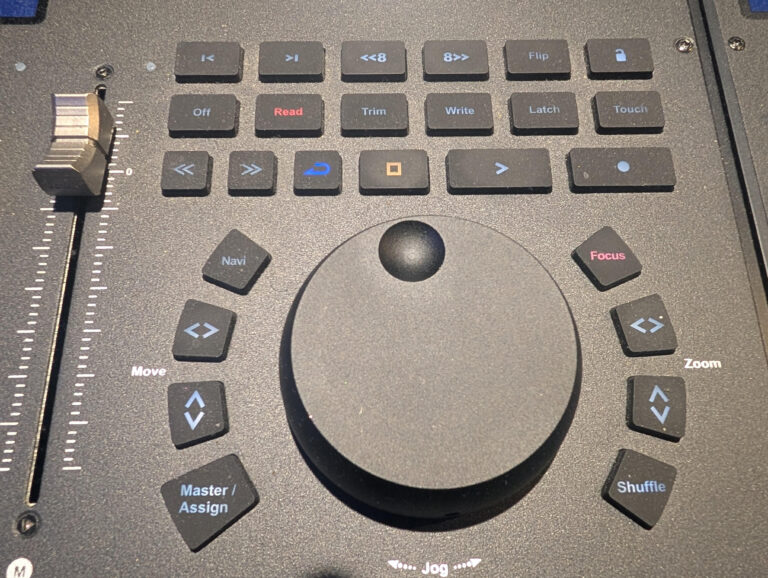
Once Focus Mode is active, you can lock the jog wheel to prevent accidental movement.
Whether you’re editing, mixing, writing automation, or navigating a large project, Jog Wheel Lock helps keep your workflow focused and your session exactly where you intended.
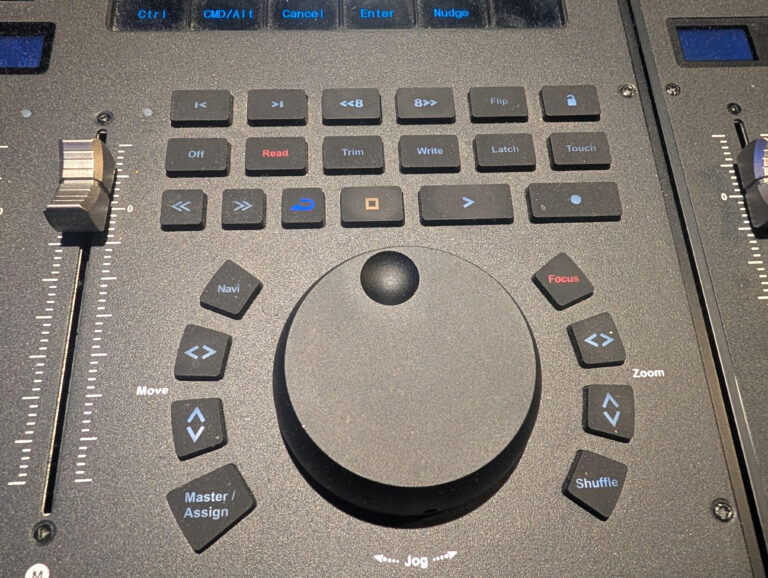
The best workflow tools evolve alongside the people who use them.
This update introduces two practical enhancements designed to give V1-M users greater control over navigation and session management:
Together, these enhancements help the V1-M Series adapt to your workflow—not the other way around.
The V1-M Series was designed to keep creators connected to their music, audio, and content without constantly reaching for a mouse.
With the new Jog Wheel Lock and Resolution Update, that experience becomes even more refined—providing greater confidence, precision, and control during every session.
Because great workflows should move at your speed.