海报

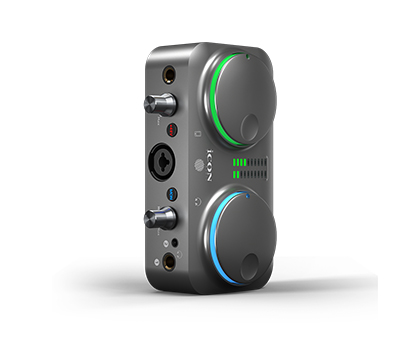
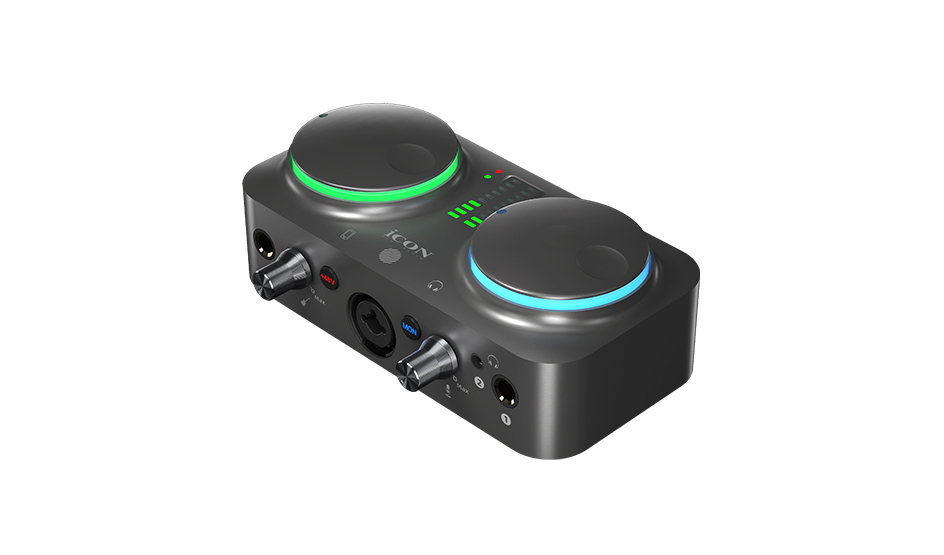
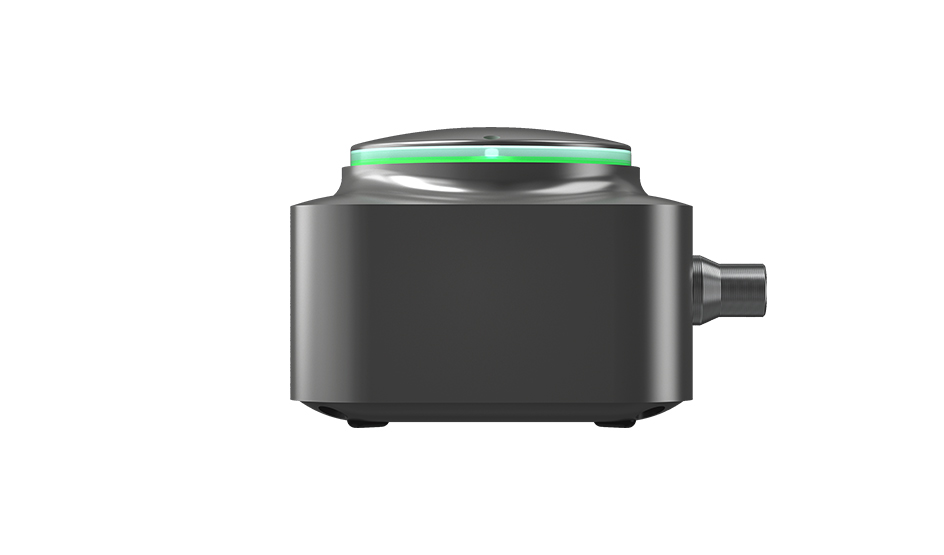
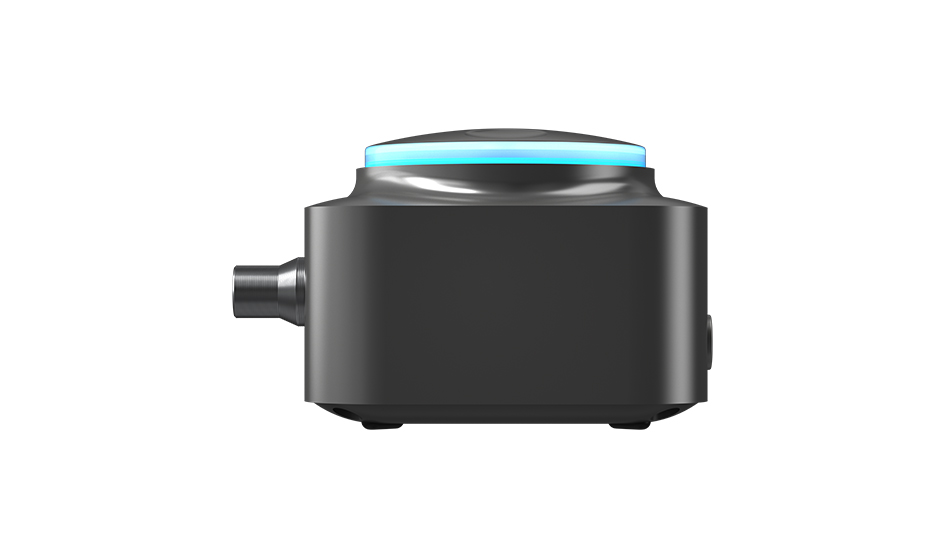
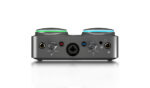
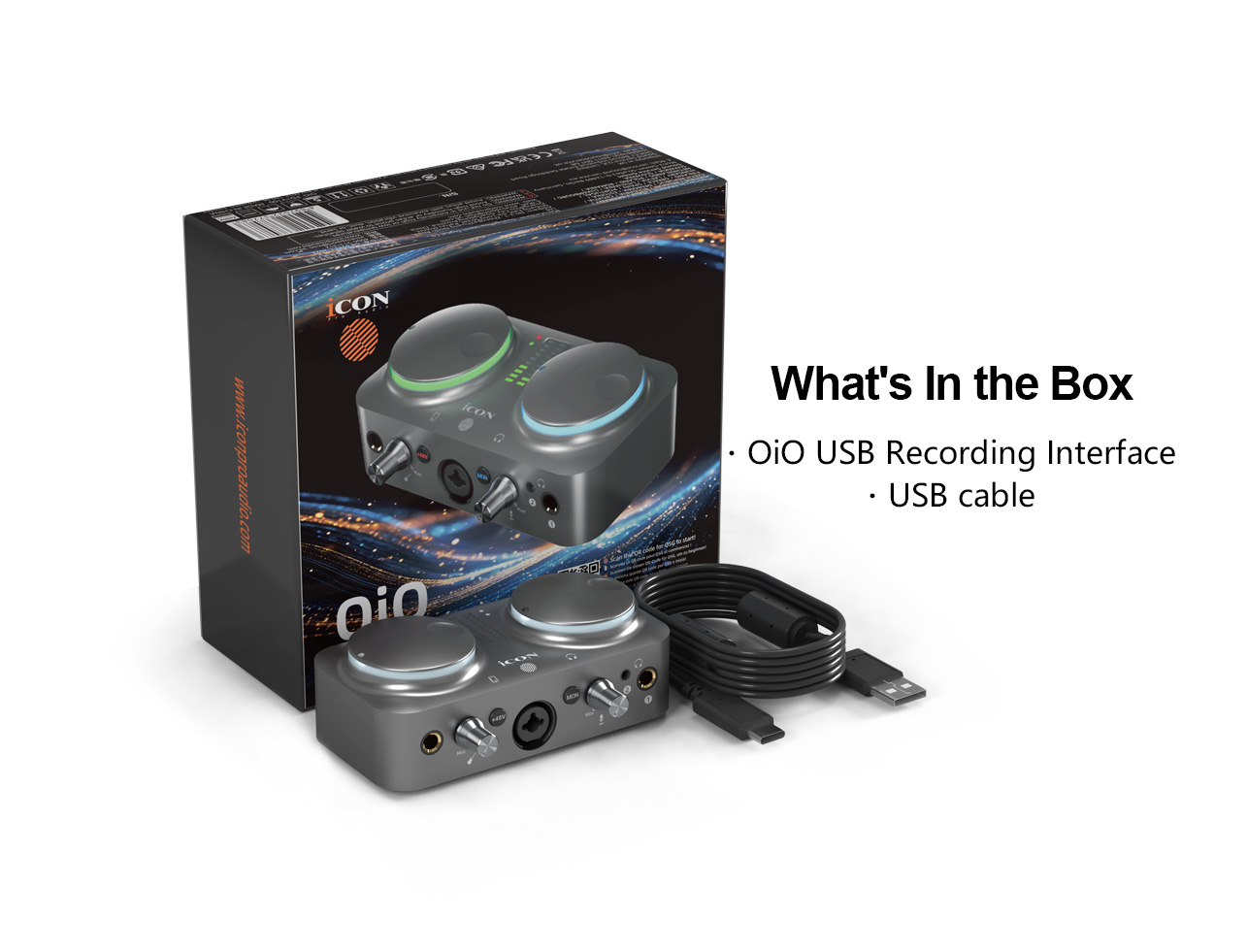
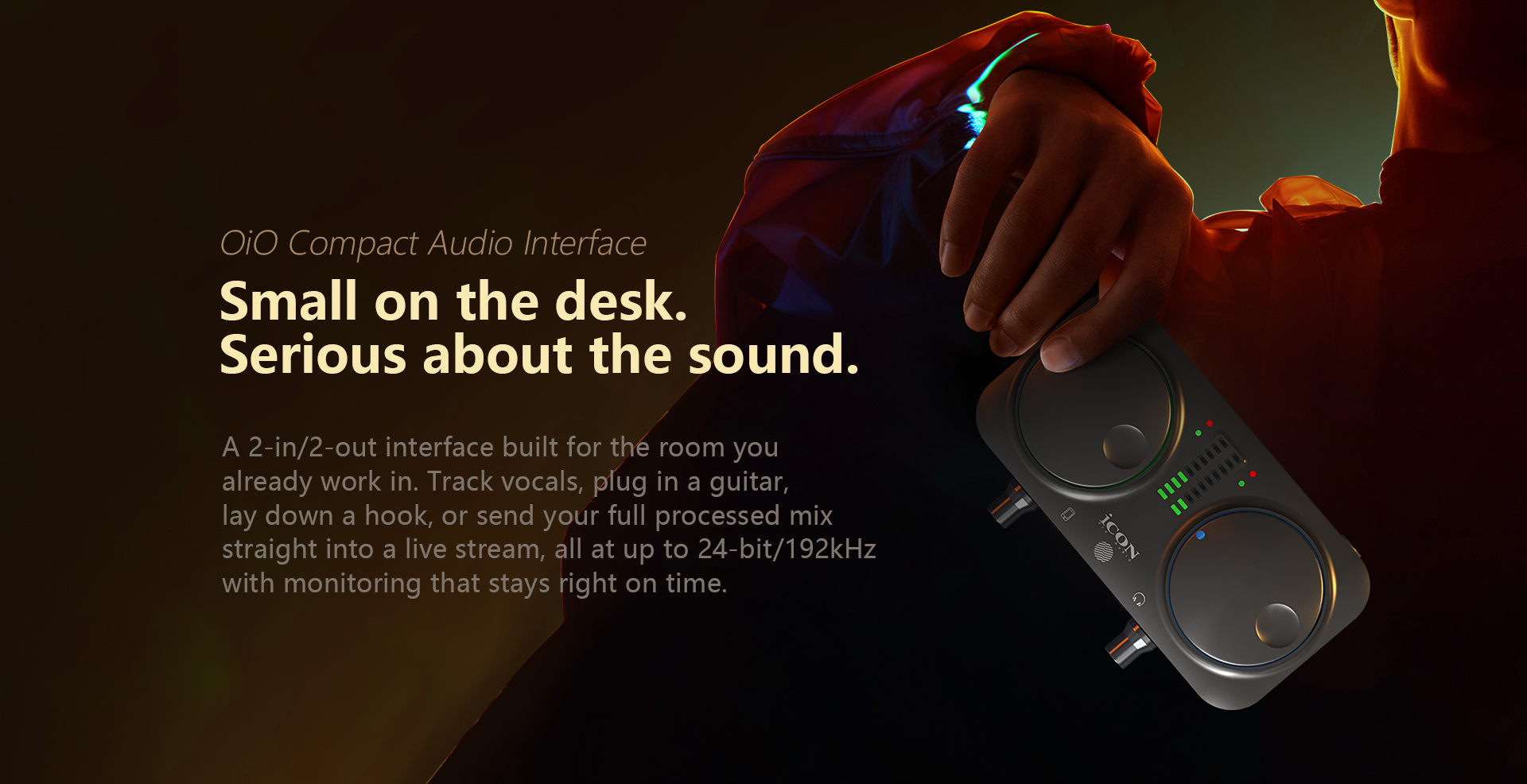
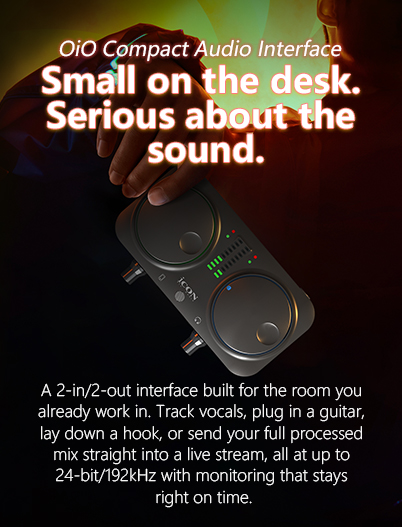
For the producer, the singer‑songwriter, and the creator, at the desk or on the move. One interface for recording, beat‑making, streaming, and everything in between.

  • 24‑bit resolution with sampling rates up to 192kHz for high‑definition sound quality and excellent clarity.
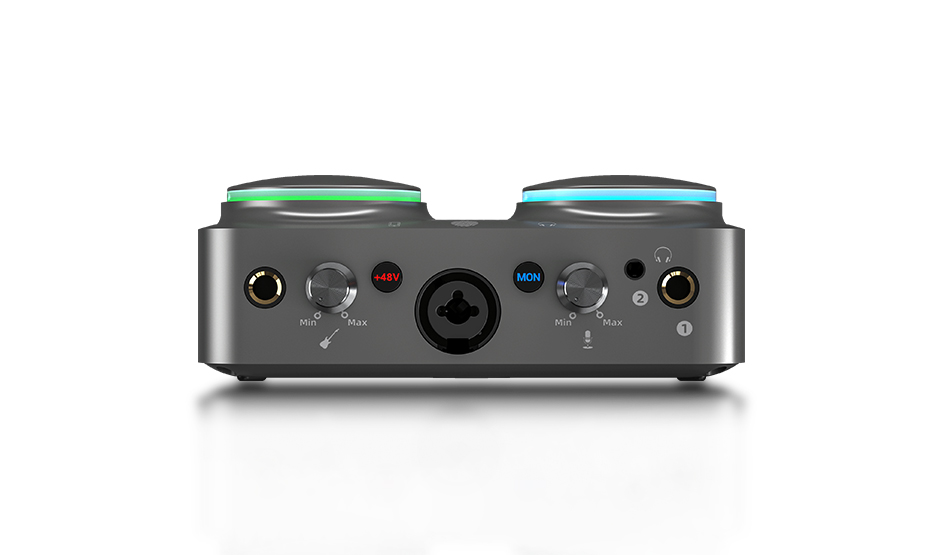
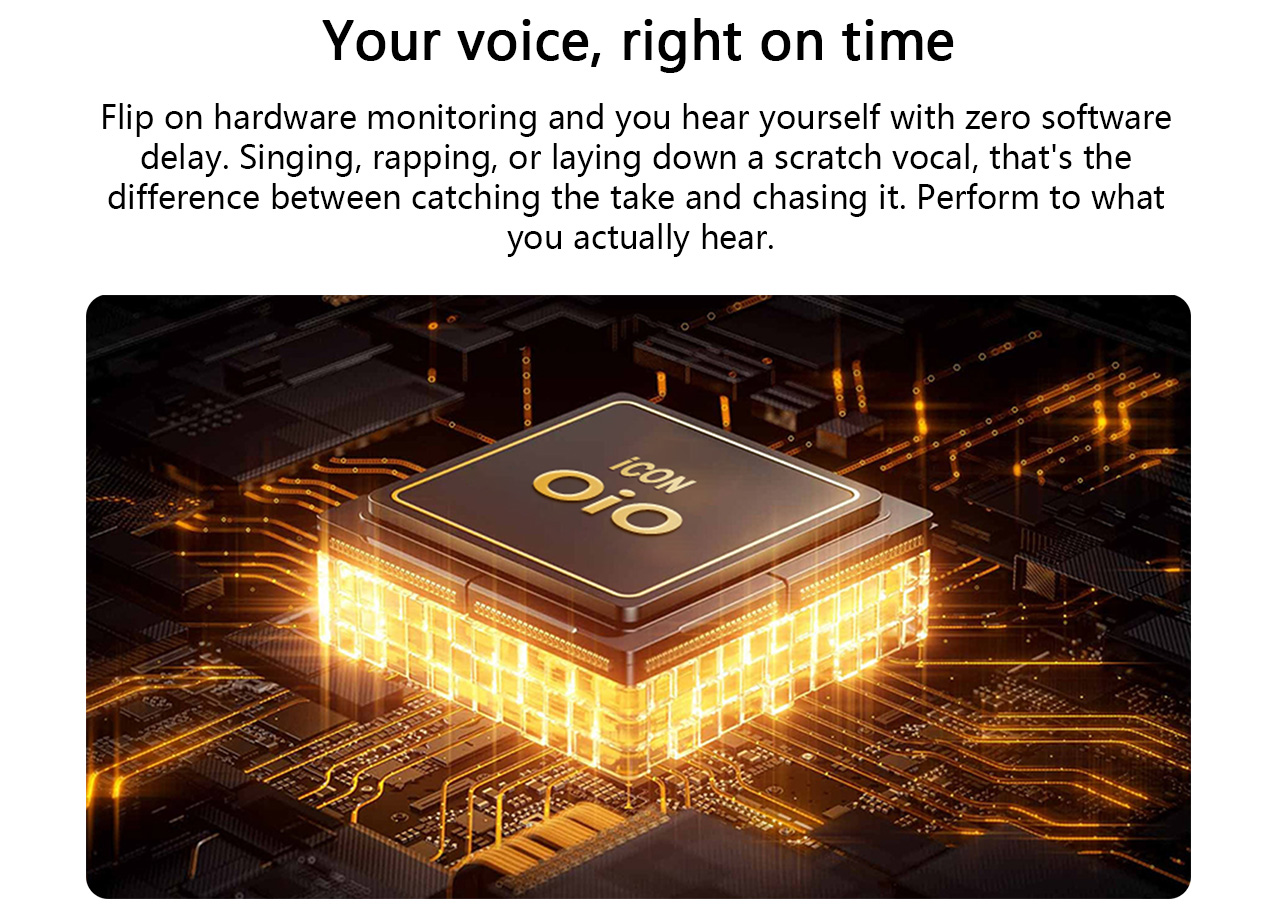
  • Hardware direct monitoring provides performers with instant zero‑latency monitoring feedback for stable and undisturbed performance.
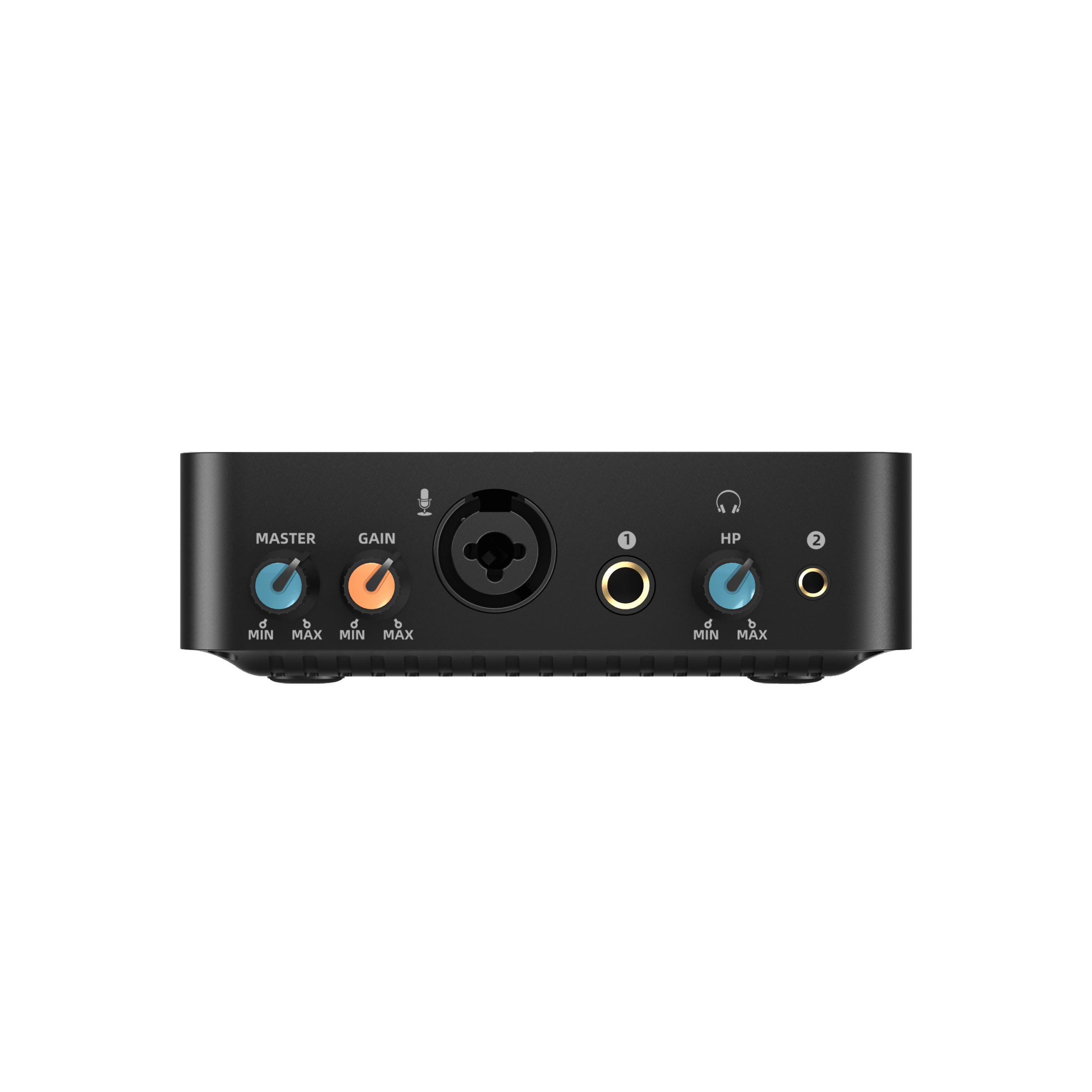
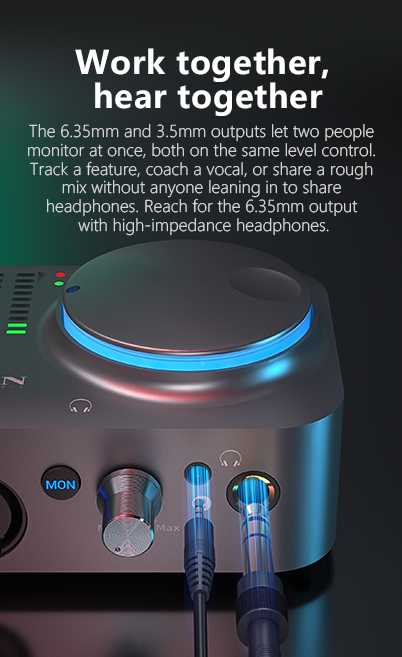
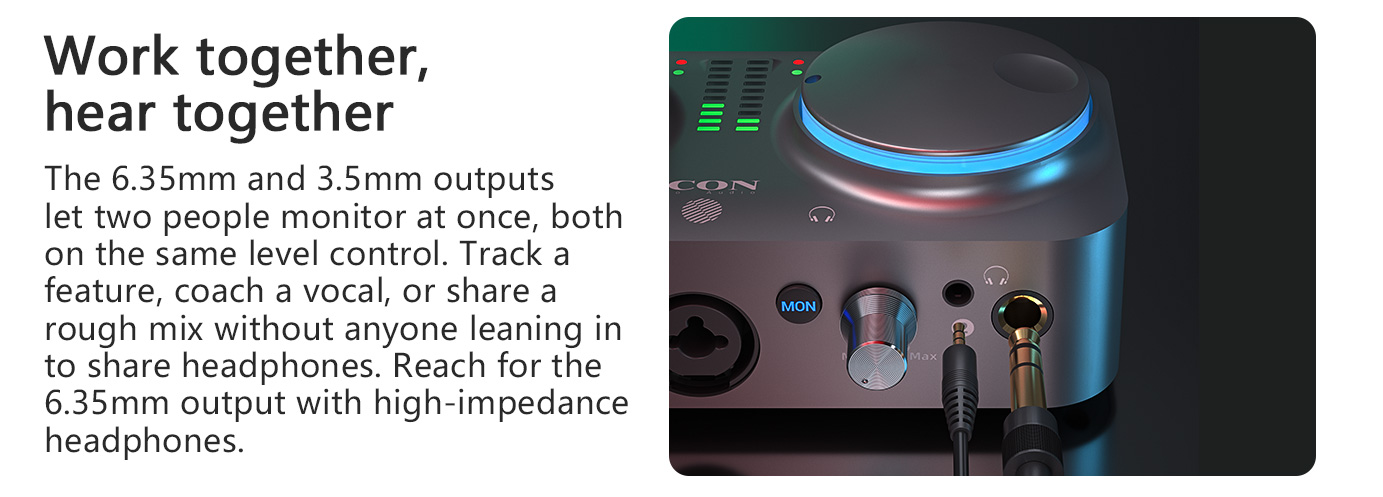
  • Separate 6.35mm and 3.5mm headphone outputs enable two‑person simultaneous monitoring.
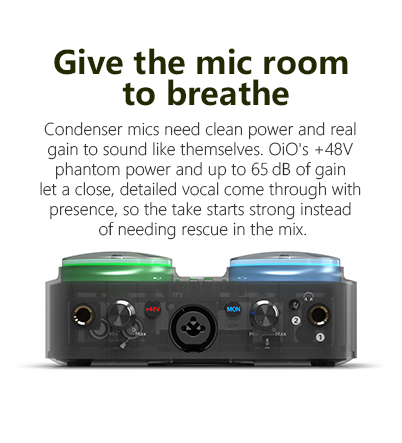
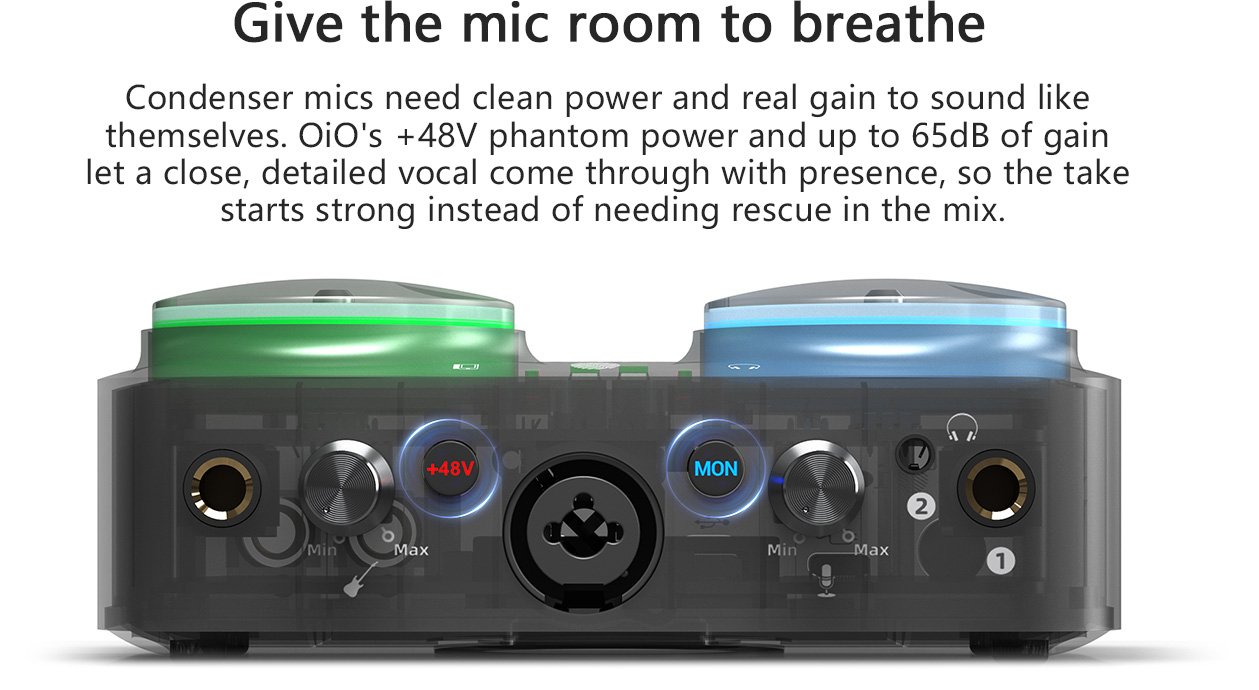
  • Professional‑quality microphone preamp with gain range +5dB~65dB and +48V phantom power for condenser microphones.
  • XLR balanced microphone input with Equivalent Input Noise (EIN) as low as ‑112dBu.
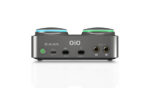
  • Dedicated balanced 6.35mm TRS high‑impedance instrument input for direct plug‑and‑play connection of guitar and bass.
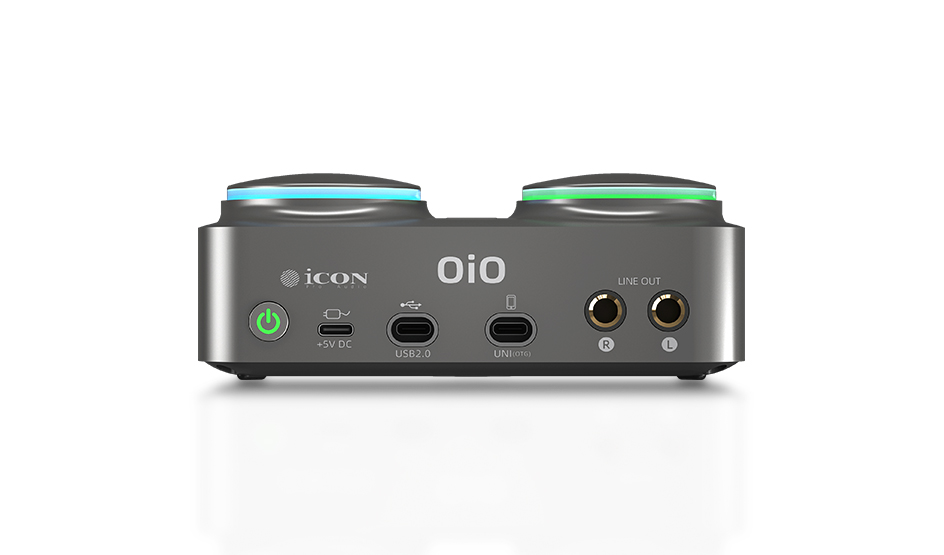
  • Balanced 6.35mm TRS line outputs with 110dB dynamic range and maximum output level of +17dBu.
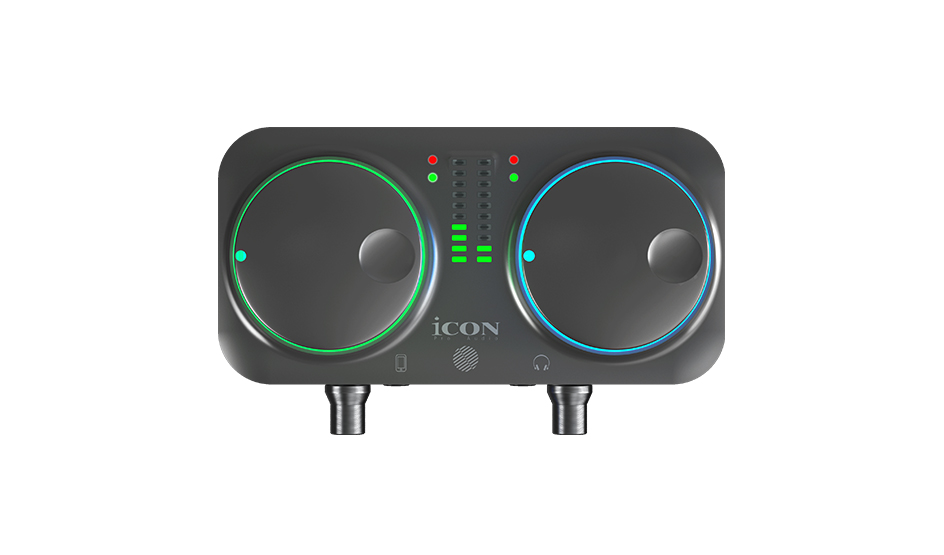
  • Two large, easy‑access knobs to control speaker/headphone and UNI OTG output volume respectively.
  • Mic input: 112dB dynamic range, THD+N as low as ‑104dB.
  • Instrument input: 112dB dynamic range, THD+N as low as ‑104dB.
  • Headphone outputs deliver up to 110dB dynamic range for excellent low‑distortion performance.
  • UNI OTG with Type‑C interface, USB2.0 High‑Speed 480Mbps; dynamic range up to 131dB and channel crosstalk @1kHz as low as ‑125dB.
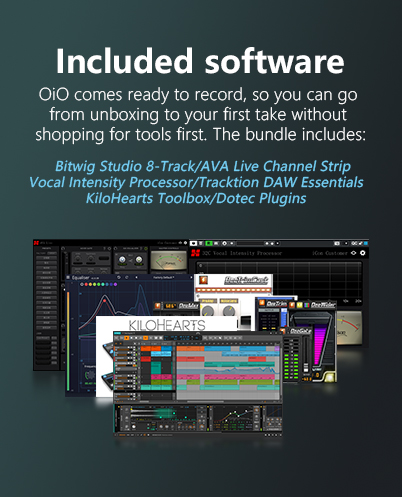
  • Proprietary iO control software by iCON Pro Audio available for download.
  • High‑quality self‑developed UNI OTG™ cable from iCON, sold separately.
  • Compact form‑factor, ideal for small‑scale setups and portable outdoor recording.
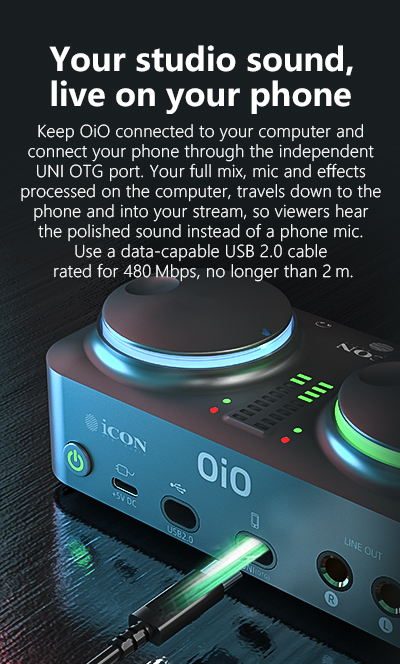
  • Type‑C interface for connection to PC/Mac or direct mobile‑device connection.
  • Type‑C bus‑powered.

NameSpec
Mic Inputs (XLR, Balanced)
Frequency Response 20Hz–20kHz±0.1dB
Equivalent Input Noise (EIN) -112dBu (A‑Weighted, 150Ω source)
Dynamic Range (DNR)112dB (A‑Weighted)
THD+N-104dB (A‑Weighted)
Input Impedance3kΩ
Maximum Input Level7.8dBu
Gain Range+5dB to 65dB
Phantom Power+48V (±4V), 8mA
Instrument Inputs (6.35mm TRS, Balanced)
Frequency Response20Hz–20kHz±0.1dB
Dynamic Range (DNR)112dB (A‑Weighted)
THD+N-104dB (A‑Weighted)
Input Impedance1MΩ
Maximum Input Level+2.6dBu
Gain Range+9dB to 57dB
Line Outputs 1/2 (6.35mm TRS, Balanced)
Frequency Response20Hz–20kHz±0.1dB
Dynamic Range (DNR)110dB (A‑Weighted)
THD+N-100dB (A‑Weighted)
Output Impedance150Ω
Maximum Output Level+17dBu
Headphone Output (6.35mm Stereo, Unbalanced)
Frequency Response20Hz–20kHz±0.1dB
Dynamic Range (DNR)110dB (A‑Weighted)
THD+N-103dB (A‑Weighted)
Channel Crosstalk @1kHz:
Output Impedance10Ω
Maximum Output Level+7dBu@64Ω
+11.7dBu@600Ω
Maximum Output Power47mW@64Ω
15mW@600Ω
Headphone Output (3.5mm Stereo, Unbalanced)
Frequency Response20Hz–20kHz±0.1dB
Dynamic Range (DNR)110dB (A‑Weighted)
THD+N-102dB (A‑Weighted)
Output Impedance0.1Ω
Maximum Output Level+6.4dBu@64Ω
+6.4dBu@600Ω
Maximum Output Power41mW@64Ω
4.5mW@600Ω
UNI OTG
InterfaceType‑C
SpecificationsUSB2.0 High‑Speed, 480Mbps
Dynamic Range (DNR)131dB (A‑Weighted)
Channel Crosstalk @1kHz-125dB
Bit Depth / Sample Rate16‑bit/24‑bit, 44.1kHz–192kHz

  • macOS: OS X 10.11 El Capitan to macOS 26 Tahoe
  • Mac processors: Intel and Apple Silicon, including M1 series, M2 series, M3 series, M4, M4 Pro, and M5
  • Windows: Windows 10 - Windows 11
  • PC processors: Intel and AMD
  • iOS / iPadOS: iOS 11 or later, including iOS 26
402_2_02

For the producer, the singer‑songwriter, and the creator, at the desk or on the move. One interface for recording, beat‑making, streaming, and everything in between.

  • 24‑bit resolution with sampling rates up to 192kHz for high‑definition sound quality and excellent clarity.
  • Hardware direct monitoring provides performers with instant zero‑latency monitoring feedback for stable and undisturbed performance.
  • Separate 6.35mm and 3.5mm headphone outputs enable two‑person simultaneous monitoring.
  • Professional‑quality microphone preamp with gain range +5dB~65dB and +48V phantom power for condenser microphones.
  • XLR balanced microphone input with Equivalent Input Noise (EIN) as low as ‑112dBu.
  • Dedicated balanced 6.35mm TRS high‑impedance instrument input for direct plug‑and‑play connection of guitar and bass.
  • Balanced 6.35mm TRS line outputs with 110dB dynamic range and maximum output level of +17dBu.
  • Two large, easy‑access knobs to control speaker/headphone and UNI OTG output volume respectively.
  • Mic input: 112dB dynamic range, THD+N as low as ‑104dB.
  • Instrument input: 112dB dynamic range, THD+N as low as ‑104dB.
  • Headphone outputs deliver up to 110dB dynamic range for excellent low‑distortion performance.
  • UNI OTG with Type‑C interface, USB2.0 High‑Speed 480Mbps; dynamic range up to 131dB and channel crosstalk @1kHz as low as ‑125dB.
  • Proprietary iO control software by iCON Pro Audio available for download.
  • High‑quality self‑developed UNI OTG™ cable from iCON, sold separately.
  • Compact form‑factor, ideal for small‑scale setups and portable outdoor recording.
  • Type‑C interface for connection to PC/Mac or direct mobile‑device connection.
  • Type‑C bus‑powered.

NameSpec
Mic Inputs (XLR, Balanced)
Frequency Response 20Hz–20kHz±0.1dB
Equivalent Input Noise (EIN) -112dBu (A‑Weighted, 150Ω source)
Dynamic Range (DNR)112dB (A‑Weighted)
THD+N-104dB (A‑Weighted)
Input Impedance3kΩ
Maximum Input Level7.8dBu
Gain Range+5dB to 65dB
Phantom Power+48V (±4V), 8mA
Instrument Inputs (6.35mm TRS, Balanced)
Frequency Response20Hz–20kHz±0.1dB
Dynamic Range (DNR)112dB (A‑Weighted)
THD+N-104dB (A‑Weighted)
Input Impedance1MΩ
Maximum Input Level+2.6dBu
Gain Range+9dB to 57dB
Line Outputs 1/2 (6.35mm TRS, Balanced)
Frequency Response20Hz–20kHz±0.1dB
Dynamic Range (DNR)110dB (A‑Weighted)
THD+N-100dB (A‑Weighted)
Output Impedance150Ω
Maximum Output Level+17dBu
Headphone Output (6.35mm Stereo, Unbalanced)
Frequency Response20Hz–20kHz±0.1dB
Dynamic Range (DNR)110dB (A‑Weighted)
THD+N-103dB (A‑Weighted)
Channel Crosstalk @1kHz:
Output Impedance10Ω
Maximum Output Level+7dBu@64Ω
+11.7dBu@600Ω
Maximum Output Power47mW@64Ω
15mW@600Ω
Headphone Output (3.5mm Stereo, Unbalanced)
Frequency Response20Hz–20kHz±0.1dB
Dynamic Range (DNR)110dB (A‑Weighted)
THD+N-102dB (A‑Weighted)
Output Impedance0.1Ω
Maximum Output Level+6.4dBu@64Ω
+6.4dBu@600Ω
Maximum Output Power41mW@64Ω
4.5mW@600Ω
UNI OTG
InterfaceType‑C
SpecificationsUSB2.0 High‑Speed, 480Mbps
Dynamic Range (DNR)131dB (A‑Weighted)
Channel Crosstalk @1kHz-125dB
Bit Depth / Sample Rate16‑bit/24‑bit, 44.1kHz–192kHz

  • macOS: OS X 10.11 El Capitan to macOS 26 Tahoe
  • Mac processors: Intel and Apple Silicon, including M1 series, M2 series, M3 series, M4, M4 Pro, and M5
  • Windows: Windows 10 - Windows 11
  • PC processors: Intel and AMD
  • iOS / iPadOS: iOS 11 or later, including iOS 26

OiO

        A small room shouldn’t mean a small sound, and neither should a small bag. Whether you’re stacking vocal takes at your desk, cutting a verse over a beat, or recording the intro to your next video away from home, the setup should get out of the way and let you work.

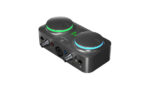
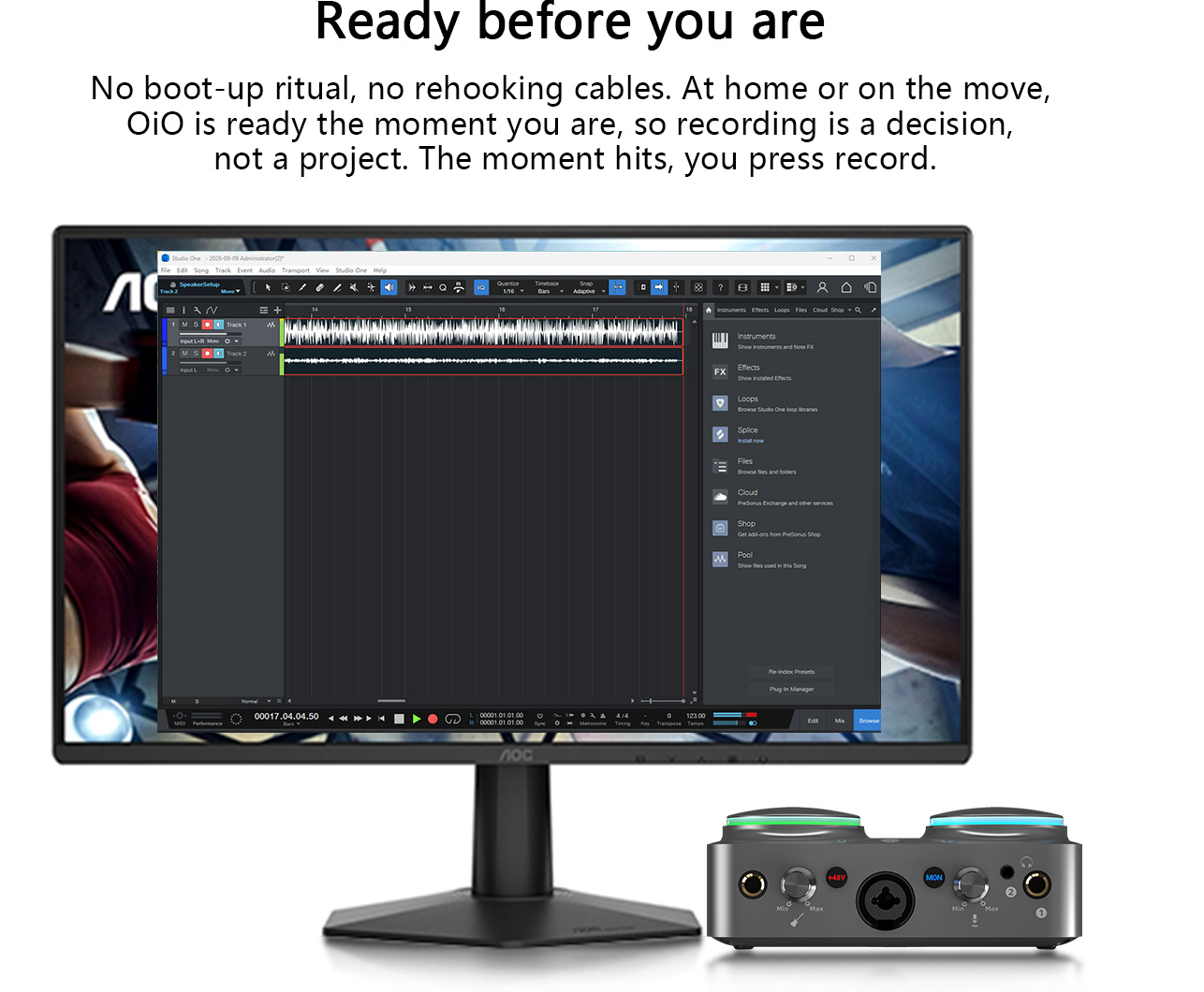
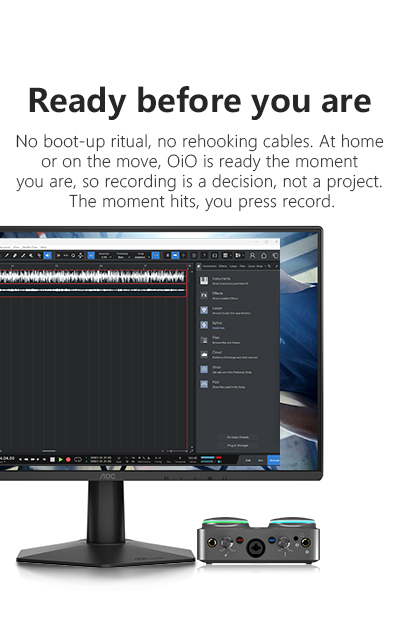
        OiO is built to do exactly that. Light enough to travel and solid enough to live on the desk, it’s ready wherever you are, so recording is a decision, not a project. Put a mic in one input and a guitar in the other, throw on headphones, and you’re tracking. A hardware monitor switch lets you hear your input the instant you make it, with none of the delay that throws off timing. Two knobs keep the levels under your fingers.

It won’t take over the room or weigh down the bag, and that’s the idea. The gear stays small so the work gets the space. When the next take, the next beat, or the next upload is ready, so are you.
1920_13_03
402_03_02
402_04_02
402_05_02
402_06_02
402_07_02
402_08_02

FAQs

Is OiO a good first audio interface?
Yes. OiO is built for people setting up their first recording space at home. It gives you a mic input, a separate instrument input, and real monitoring in one small box, so you can start recording without learning a rack of gear first. If you can plug in a cable, you can track your first idea tonight.
What can I plug into it at the same time?
A microphone and an instrument, together. The combo XLR/6.35 mm input takes a mic, and the dedicated high-impedance input takes a guitar or bass at the same time, so you can record a vocal and a part in one pass or lay them down back to back without swapping cables.
Do I need a separate power supply?
For most sessions, no. OiO runs on USB power, and iCON recommends connecting it to a USB 3.0 port so it gets enough current. For the best sound quality, especially at higher output levels, a 5V/2A external supply is recommended.
How does OiO work for live streaming?
Connect OiO to your computer, then connect your phone through the UNI OTG port. OiO sends your full mix, mic and effects processed on the computer, into the phone’s stream, so your audience hears your studio sound instead of the phone’s built-in mic. Use a data-capable USB 2.0 cable rated for 480 Mbps, no longer than 2 m.³
Will it work with my computer without installing anything?
On a Mac, yes. OiO is class-compliant and runs on macOS with no driver, from OS X 10.11 through macOS 26. On Windows 10 and 11, you install one driver first.⁴
Can two people listen while we record?
Yes. OiO has both a 6.35 mm and a 3.5 mm headphone output, so a collaborator, a vocalist, or a guest can monitor alongside you. Both outputs follow the same volume control, and the 6.35 mm jack is the one to use with high-impedance studio headphones.
Does it need phantom power for my mic?
Only condenser mics do, and OiO supplies it. Switch on +48V phantom power for a condenser, and leave it off for a dynamic mic. With up to 65 dB of gain on tap, even a quiet condenser has the headroom to sound full and present.

Different Applications

402_09_02
1920_14_03
1920_15_03
1920_16_03
1920_18_03

FAQs

Is OiO a good first audio interface?
Yes. OiO is built for people setting up their first recording space at home. It gives you a mic input, a separate instrument input, and real monitoring in one small box, so you can start recording without learning a rack of gear first. If you can plug in a cable, you can track your first idea tonight.
What can I plug into it at the same time?
A microphone and an instrument, together. The combo XLR/6.35 mm input takes a mic, and the dedicated high-impedance input takes a guitar or bass at the same time, so you can record a vocal and a part in one pass or lay them down back to back without swapping cables.
Do I need a separate power supply?
For most sessions, no. OiO runs on USB power, and iCON recommends connecting it to a USB 3.0 port so it gets enough current. For the best sound quality, especially at higher output levels, a 5V/2A external supply is recommended.
How does OiO work for live streaming?
Connect OiO to your computer, then connect your phone through the UNI OTG port. OiO sends your full mix, mic and effects processed on the computer, into the phone’s stream, so your audience hears your studio sound instead of the phone’s built-in mic. Use a data-capable USB 2.0 cable rated for 480 Mbps, no longer than 2 m.³
Will it work with my computer without installing anything?
On a Mac, yes. OiO is class-compliant and runs on macOS with no driver, from OS X 10.11 through macOS 26. On Windows 10 and 11, you install one driver first.⁴
Can two people listen while we record?
Yes. OiO has both a 6.35 mm and a 3.5 mm headphone output, so a collaborator, a vocalist, or a guest can monitor alongside you. Both outputs follow the same volume control, and the 6.35 mm jack is the one to use with high-impedance studio headphones.
Does it need phantom power for my mic?
Only condenser mics do, and OiO supplies it. Switch on +48V phantom power for a condenser, and leave it off for a dynamic mic. With up to 65 dB of gain on tap, even a quiet condenser has the headroom to sound full and present.

Different Applications

1920_09_03
Icon Pro Audio
Privacy Overview

This website uses cookies so that we can provide you with the best user experience possible. Cookie information is stored in your browser and performs functions such as recognising you when you return to our website and helping our team to understand which sections of the website you find most interesting and useful.