
Whether you’re livestreaming, podcasting, creating content for social media, recording interviews, or presenting online, clear audio can make the difference between being heard and being remembered.
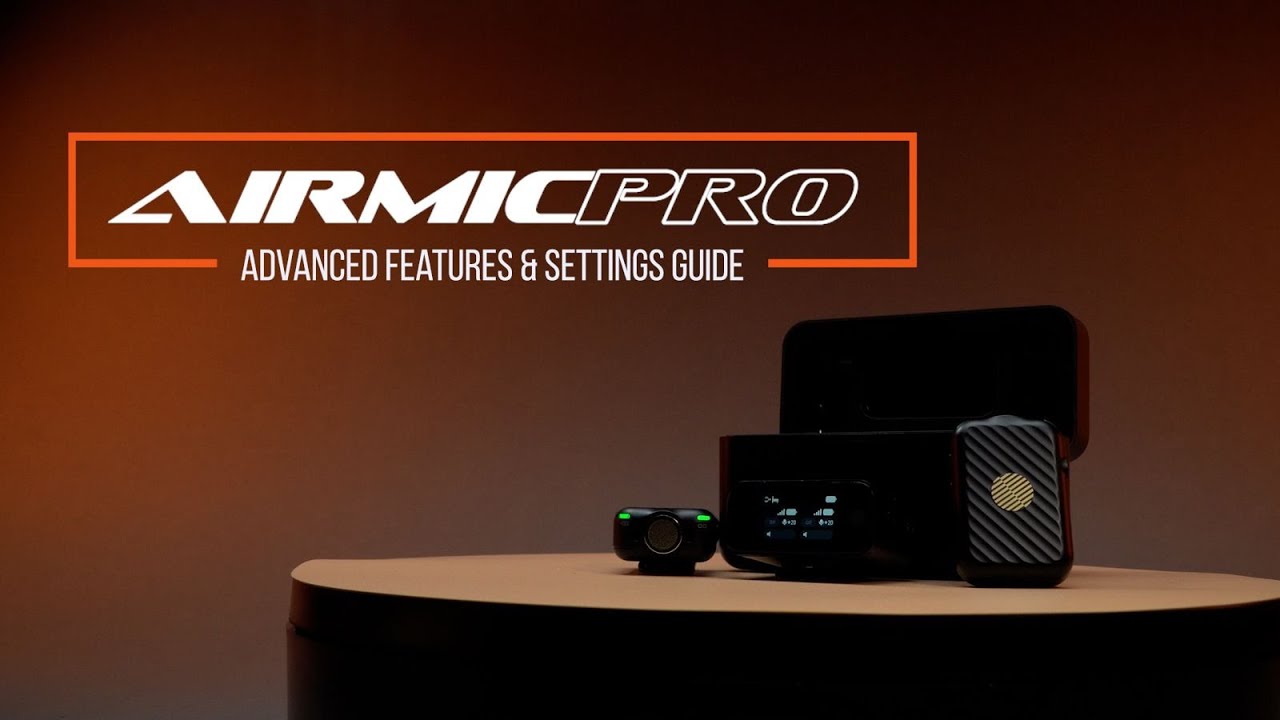
The iCON Pro Audio AirMic Pro was designed to give creators professional wireless audio without complicated setup procedures. With dual transmitters, an intuitive OLED touchscreen receiver, advanced noise cancellation controls, adjustable gain settings, and compatibility with smartphones, computers, and cameras, AirMic Pro adapts to virtually any content creation workflow.
In this guide, we’ll explore how to connect AirMic Pro, configure its advanced settings, and take advantage of the features that help you capture professional-quality audio in almost any environment.
AirMic Pro combines portability, flexibility, and advanced control in a compact wireless microphone system.
Key highlights include:
One of AirMic Pro’s strengths is its simple setup process.
The system ships with transmitters and receiver pre-linked, charged, and stored in the charging case, helping creators get started quickly.
Once powered on, you’re ready to connect to your preferred recording device.
Mobile content creation has become a standard workflow for many creators.
To connect AirMic Pro to your smartphone:
This setup is ideal for:
A unique AirMic Pro feature allows the receiver to remain connected to your mobile phone during playback mode, eliminating the need to disconnect and reconnect the receiver when reviewing content.
For creators using mirrorless cameras, DSLRs, or dedicated video cameras, setup is equally straightforward.
This allows wireless audio to be recorded directly into the camera for a streamlined production workflow.
AirMic Pro can also function as a wireless microphone system for computers.
To connect:
Popular applications include:
Proper microphone placement can dramatically improve recording quality.
AirMic Pro features an integrated magnetic mounting system.
For optimal performance:
This placement helps capture a natural vocal sound while maintaining a discreet appearance.
The AirMic Pro receiver features a full-color OLED touchscreen display that provides access to advanced controls.
Simply swipe upward on the receiver to access settings.
When one transmitter is connected:
When two transmitters are connected:
This design makes it easy to manage multiple speakers during interviews, podcasts, and collaborative content.
Swiping right within the menu system provides access to Track Mode settings.
Here you can select:
Both microphones are combined into a single audio track.
This can simplify editing workflows and is useful when recording conversations where separate channels are not required.
Each transmitter can be recorded separately.
This provides greater flexibility during post-production and allows more precise control over each speaker’s audio.
AirMic Pro includes optimized preset modes for different recording situations.
Available presets include:
These presets help creators quickly adapt to changing recording conditions without manually adjusting every parameter.
For creators working across multiple locations, this can save valuable setup time.
One of the most important audio controls available on AirMic Pro is microphone gain.
Gain determines microphone sensitivity.
If gain is too low:
If gain is too high:
AirMic Pro allows gain adjustments directly from the touchscreen receiver.
The goal is to capture a strong signal while maintaining clean audio quality.
Clipping is a form of audio distortion that occurs when the signal exceeds the system’s available headroom.
Fortunately, AirMic Pro provides visual feedback through the receiver.
Watch the output meter:
If orange or red indicators appear:
This simple adjustment can dramatically improve recording quality.
Background noise can distract from your message.
AirMic Pro includes adjustable noise cancellation settings that help reduce unwanted environmental sounds.
Examples include:
The system demonstrated a significant reduction in background noise even when operating near a running blender.
By reducing unwanted sounds, noise cancellation helps:
The result is a cleaner listening experience for your audience.
AirMic Pro allows creators to monitor output levels directly from the receiver.
This provides immediate feedback during recording sessions.
Benefits include:
Real-time monitoring reduces surprises during editing and helps ensure professional results.
Beyond transmitter settings, AirMic Pro provides receiver controls for:
These controls allow additional refinement of your recording chain without interrupting your workflow.
AirMic Pro also includes a range of general system preferences.
These include:
These settings help tailor the receiver experience to your personal preferences.
Some creators prefer the appearance or placement flexibility of a traditional lavalier microphone.
AirMic Pro supports external lavalier microphones through the transmitter’s 3.5mm input.
Simply:
This provides additional flexibility while maintaining AirMic Pro’s wireless functionality.
AirMic Pro utilizes proprietary encryption technology for wireless communication.
This helps deliver:
For livestreaming, content creation, and professional communication, this helps maintain a seamless recording experience.
AirMic Pro is designed for creators who need flexibility without sacrificing audio quality.
Ideal applications include:
Whether you’re recording from a studio, conference room, city street, or remote location, AirMic Pro is built to adapt.
The best wireless microphone systems do more than capture sound—they help creators work with confidence.
With intuitive touchscreen controls, adjustable gain settings, real-time monitoring, built-in noise cancellation, mono and stereo recording options, lavalier microphone support, and broad device compatibility, AirMic Pro delivers a flexible recording solution for today’s creators.
From smartphones and cameras to computers and livestreaming setups, AirMic Pro provides the tools needed to capture clear, professional audio wherever creativity takes you.
Explore the advanced features, experiment with the settings, and discover how AirMic Pro can elevate your next recording, presentation, livestream, or content creation journey.
Subscribe to our mailing list to stay up to date with the latest product news, updates, and information.