
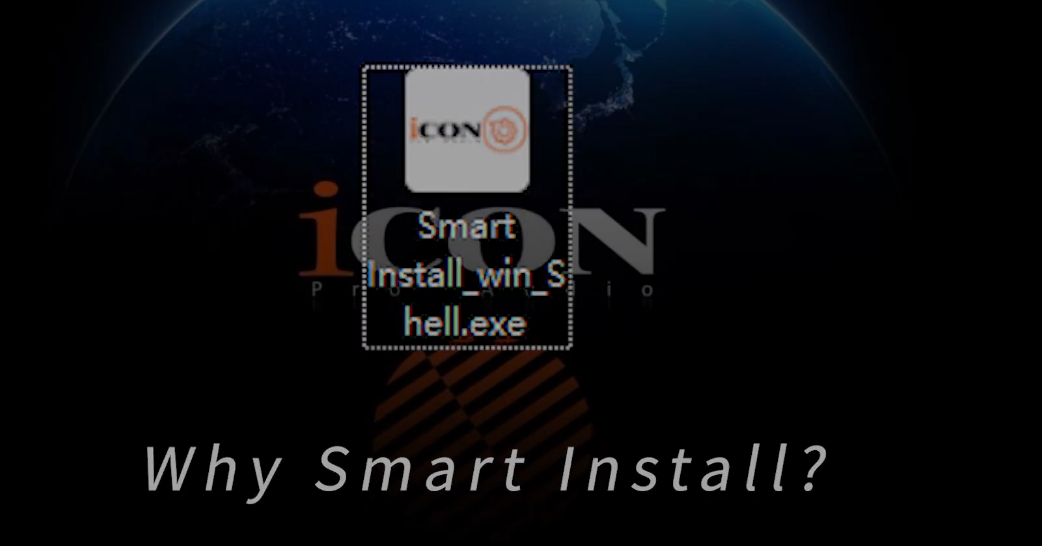
Smart Install is the easiest way to set up your iCON Pro Audio device on Windows or macOS. It automatically detects your gear, installs the correct drivers, downloads companion software, and gets everything ready to go—no searching, no mismatches, no manual steps.
It’s clean. It’s fast. It just works.
For years, installing drivers meant:
Finding the right download
Hoping it matched your operating system
Running separate installers for different tools
Fixing errors when something didn’t load properly
Smart Install wipes all of that away with one unified tool that:
Automatically identifies your device
Chooses the right driver based on your OS version
Installs software in a single flow
Updates constantly to support new iCON products
It’s setup transformed from “task” to “tap.”
Smart Install works on:
Windows: 7 or later
macOS: 10.11 El Capitan or later
And here’s all you need under the hood:
Intel Core i3 processor or better
4GB RAM or more
1GB free storage
Internet connection
Administrator rights (for installation)
If you’re working on a modern music-making machine, you’re already good to go.
Connect your iCON Pro Audio device.
Download Smart Install from the iCON Pro Audio website.
Open the installer:
Windows: Double-click. If it doesn’t launch, right-click → Run as administrator.
macOS: Unzip the file, then double-click to open.
Once Smart Install opens, it immediately recognizes your device and shows you the exact drivers and companion apps available for your model. No guesswork. No hunting.
You can even hover over software options to preview how they look and understand what they do.
When you confirm your selection, Smart Install handles the rest—installing everything in the correct order. Some apps will ask if you’d like to launch them immediately once installation is done.
iO Core
A simple control panel with access to buffer size, latency, gain, and volume—perfect for creators who want clean, streamlined control.
iO Pro
A full-featured virtual mixer and plugin host for advanced routing without needing to open your DAW. A sound-designer’s playground.
iMAP
Self-mapping, arranging, and deep customization—all in one tool. Make your controller truly yours.
FX-Play
Set up effects parameters and device functions with an intuitive interface. Your livestream sound, elevated.
After installation, Smart Install asks if you’d like to open the newly installed software—and places shortcuts right on your desktop.
Smart Install automatically creates a log file if it runs into an issue.
Just copy that file and send it to our support team at support.iconproaudio.com.
We’ll help you troubleshoot quickly so you can get back to creating.
The newest version is always available on the driver download page at:
iconproaudio.com
Bookmark it. It’s your one-stop shop for updates.
 Zero confusion — your device is automatically recognized
 Faster setup — everything installs in one flow
 Flexible tools — iO Core, iO Pro, iMAP, FX-Play
 Always up to date — new products + OS support added regularly
 Built for creators — less tech hassle, more music
Smart Install is our love letter to creators who just want to plug in and play. It saves time, reduces frustration, and clears a smooth path between unboxing your gear and making something meaningful with it.
If you have questions—or just want to explore what’s new—visit iconproaudio.com anytime.
And when you’re ready, fire up Smart Install and let it handle the setup magic.
Happy creating, and have fun making music! 